
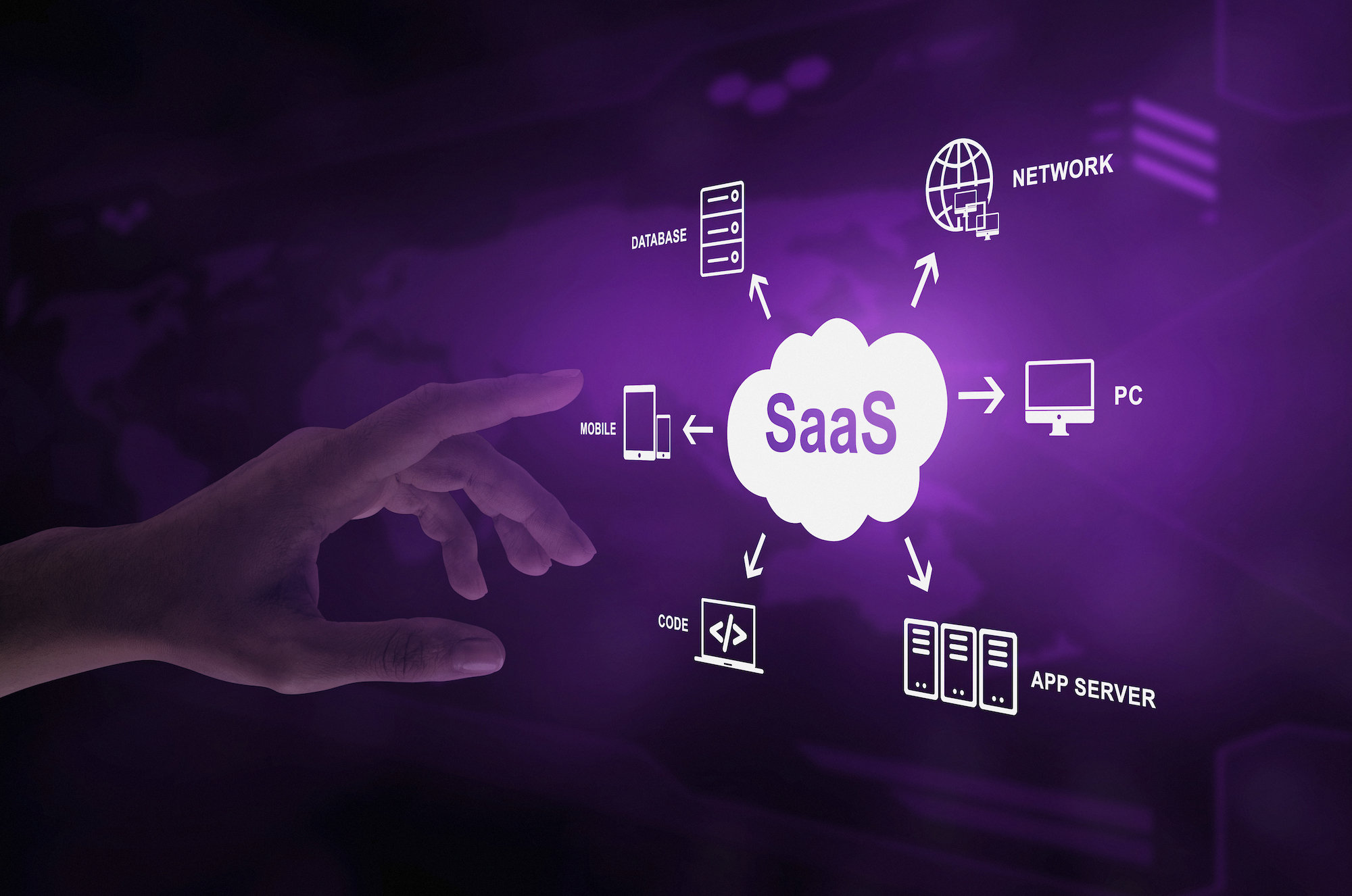
SaaS (software as a service) is a way of delivering software in which a provider hosts the application in the cloud and customers use it over the internet, usually through a browser, for a recurring subscription. The provider runs the infrastructure, maintenance and updates; you manage users, data and how the tool is used. Microsoft 365, Salesforce and Workday are well-known examples.
Key takeaways
- SaaS is a cloud delivery model: the provider hosts and maintains the application, and you access it over the internet for a subscription.
- Main advantages: no servers to buy, fast deployment, automatic updates, scalability and predictable costs.
- Main disadvantages: dependence on the provider, limited customization, data protection obligations, vendor lock-in and subscription sprawl.
- SaaS suits most business functions (ERP, CRM, HR, procurement), but the value only shows if users actually adopt the tools.
The acronym SaaS is still widely misunderstood: most people use at least one Software as a Service (SaaS) without even realizing it. But what exactly is the SaaS model? What are its advantages and disadvantages for businesses?
What is the SaaS Model?
The Definition of Software as a Service (SaaS)
Software as a Service (SaaS) is a software distribution model that allows businesses to subscribe to applications rather than developing them in-house, purchasing them, or installing them locally on their own servers. Instead, they subscribe to a service from a provider who makes the software available remotely, allowing users to access it via the internet.
Key Characteristics of the SaaS Model
The SaaS model offers several key characteristics that make it an attractive solution for businesses. First, it eliminates the need to directly acquire these applications and invest in servers to host them. Users simply need an internet connection and a login to access the applications. SaaS platforms are generally sold as a recurring subscription, often billed per user ("seat"), rather than as a perpetual license bought upfront.
Fast Deployment of a SaaS Platform
SaaS tools are easy to deploy compared to traditionally used solutions. They can be tested as a Proof of Concept (POC) and then quickly deployed and extended across the entire company without requiring physical intervention on each workstation. This deployment agility allows for rapid access to the SaaS solution's features and their benefits.
How does SaaS work, and what are some examples?
In the NIST definition of cloud computing, SaaS means using the provider's applications running on a cloud infrastructure: you do not manage the network, servers, operating systems or storage, only a few user-specific settings. In practice:
- Hosting: the vendor runs the application and its database in its own data centers or on a public cloud.
- Multi-tenancy: one instance of the application serves many customers, each with its own isolated data (IBM).
- Subscription: you pay recurring fees, often per user ("seat"), per usage tier or with a freemium entry level.
- Continuous updates: new features and security patches reach every customer without an installation project.
Common SaaS examples by business function:
| Function | Examples |
|---|---|
| Office and collaboration | Microsoft 365, Google Workspace, Slack, Zoom |
| CRM and sales | Salesforce, HubSpot, Microsoft Dynamics 365 Sales |
| HR (HRIS) | Workday, SAP SuccessFactors |
| ERP and finance | Oracle NetSuite, SAP S/4HANA Cloud, Microsoft Dynamics 365 Business Central |
| Procurement | Ivalua, SAP Ariba, Coupa |
| IT service management | ServiceNow, Jira Service Management |
What are the Advantages of a SaaS Solution?
Accessibility and Flexibility of SaaS Tools, Especially for Small and Mid-Sized Businesses
SaaS platforms allow small and medium-sized enterprises to access high-performance and specialized applications without incurring high acquisition or development costs. Furthermore, they enable businesses to pay only for the features they truly need, offering great budgetary flexibility. These solutions are scalable, meaning they can easily adapt to business growth. This allows companies to remain agile and responsive, capitalizing on new opportunities without being hindered by heavy and costly infrastructure.
Simplified Updates and Maintenance with SaaS Applications
Another significant advantage lies in the simplification of application updates and maintenance. Unlike traditional solutions, where businesses must manage these aspects themselves, the SaaS model shifts these responsibilities to the provider, relieving your internal IT teams.
SaaS: Accounting and Cash-Flow Impact
Finally, SaaS can change how software costs are accounted for: a subscription is generally recorded as an operating expense, whereas a purchased license or on-premise infrastructure is usually capitalized and depreciated over several years. The exact treatment depends on your country's accounting and tax rules, so check with your finance team. SaaS therefore also offers greater flexibility in cash flow management.
Disadvantages of the SaaS Model
Reliance on the Service Provider
By opting for SaaS, companies entrust their applications and data to an external provider. This means they depend on the availability, reliability, and quality of the services provided by the vendor. In the event of a service outage or malfunction, the company may face operational disruptions and a loss of access to its critical applications.
Data Security and Privacy Concerns
Data hosting and processing by a SaaS provider can raise data protection questions, particularly within the framework of the General Data Protection Regulation (GDPR). Companies must therefore ensure that their SaaS provider complies with these regulations and implements appropriate measures as they evolve.
What other SaaS disadvantages should you plan for?
Beyond provider dependence and data protection, IBM lists several challenges to anticipate before you sign:
- Limited control and customization: you work within the configuration options the vendor offers, and its release calendar sets the pace of change for your users.
- Vendor lock-in: moving to another provider can be hard. Check the contract for data export formats, notice periods and exit assistance. In the EU, the Data Act has required providers of data processing services, SaaS included, to remove obstacles to switching since September 12, 2025, and switching charges will be prohibited from January 12, 2027 (Latham & Watkins).
- SaaS sprawl and shadow IT: because subscribing is easy, teams can multiply tools without IT approval, creating security gaps and duplicate costs.
- Recurring costs that add up: subscriptions paid for inactive users or unused modules quietly erode the business case.
The last point is often underestimated. Tracking which licenses are actually used, and helping employees adopt the features they pay for, is what keeps a SaaS portfolio cost-effective. See our guide to SaaS onboarding for the adoption side.
SaaS vs. On-Premise: How to Choose?
What are the advantages and disadvantages of SaaS vs on-premise?
On-premise refers to the acquisition and installation of software directly on a company's internal servers. The SaaS model offers a cloud-based approach, allowing companies to subscribe to remotely hosted applications. SaaS provides accessibility, flexibility, and simplified maintenance, while on-premise offers direct control but requires internal resources for maintenance and updates.
Enterprise Content Management (ECM) in a SaaS Context
Enterprise Content Management (ECM) in SaaS mode offers a modern and efficient approach to managing documents and information within a company. Unlike traditional solutions, SaaS ECM provides access to a remotely hosted platform. This approach simplifies document management, fosters collaboration, and reduces the constraints associated with internal infrastructure and maintenance.
SaaS for Business Functions (ERP, HR, CRM, etc.)
Using SaaS Software in Human Resources Management (HRIS)
SaaS software offers numerous possibilities and uses in Human Resources Management (HRIS). Companies can use SaaS solutions to manage new talent recruitment, absences, payroll, and training plans. These solutions provide great flexibility, allowing HR staff and employees to access essential information and functionalities at any time and from any connected device.
Advantages of SaaS Software for Management Systems such as ERP and CRM
SaaS offers numerous advantages for management systems such as ERP (Enterprise Resource Planning) and CRM (Customer Relationship Management). These cloud-based solutions are remotely accessible. This allows sales representatives, for example, to manage ongoing sales operations or customer relationships more efficiently. SaaS also provides easy integration with other marketing tools: campaign management, marketing automation, and customer data analysis…
Procurement and Business Software in SaaS Mode
SaaS solutions also facilitate procurement management, collaboration with suppliers, and the management of contracts, orders, and supplies. Teams benefit from improved data visibility, increased task automation, and simplified workflow management. By opting for SaaS in procurement, companies can enhance operational efficiency, reduce costs, and strengthen their relationships with suppliers.
Support your teams through the digital transition with Knowmore's digital adoption solutions
Are you looking for digital adoption solutions to support your teams and customers in the transition to new ERP and business applications? Knowmore, a pioneer in digital adoption, designs innovative platforms merging learning and usage, integrating artificial intelligence to maximize the adoption of your strategic applications(CRM, ERP, HR, Supply Chain, etc.).
Frequently asked questions
What does SaaS stand for, and how do you pronounce it?
SaaS stands for "software as a service". It is usually pronounced "sass". The term describes software you rent as an online service, hosted and maintained by the provider, rather than a program you buy once and install on your own computers or servers. It is one of the three main cloud service models, alongside IaaS and PaaS.
What is the difference between SaaS, PaaS and IaaS?
The three cloud service models differ in what the provider manages. IaaS rents out infrastructure (servers, storage, networking), PaaS adds a ready-made platform for building and running your own applications, and SaaS delivers a complete, ready-to-use application. See our detailed comparison of IaaS vs PaaS vs SaaS.
Is SaaS secure?
SaaS security is a shared responsibility. The provider secures its infrastructure and application, and should document certifications, encryption and incident handling. You remain responsible for user accounts, access rights, multi-factor authentication and the data you put in the tool. Many SaaS incidents stem from poorly managed accounts or permissions rather than from the provider's infrastructure.
Is ChatGPT considered SaaS?
Yes, ChatGPT's apps work like SaaS: OpenAI hosts and updates the software, and users access it through a browser or app, for free or with a paid subscription. Its API is closer to a cloud platform service, since developers call it to build their own applications. Many business SaaS tools now embed similar generative AI features.
Is SaaS better than on-premise software?
Not always. SaaS is usually faster to deploy, easier to scale and free of server maintenance, which suits most standard business processes. On-premise software keeps full control over data, customization and release timing, which can matter for highly specific processes or strict regulatory constraints. Compare total cost over several years, not just the first-year price.
Sources
- NIST, P. Mell, T. Grance, "The NIST Definition of Cloud Computing", SP 800-145, September 2011
- IBM, "What Is Software as a Service (SaaS)?", IBM Think, updated August 5, 2025
- Latham & Watkins, "EU Data Act: Significant New Switching Requirements Due to Take Effect for Data Processing Services", August 19, 2025


