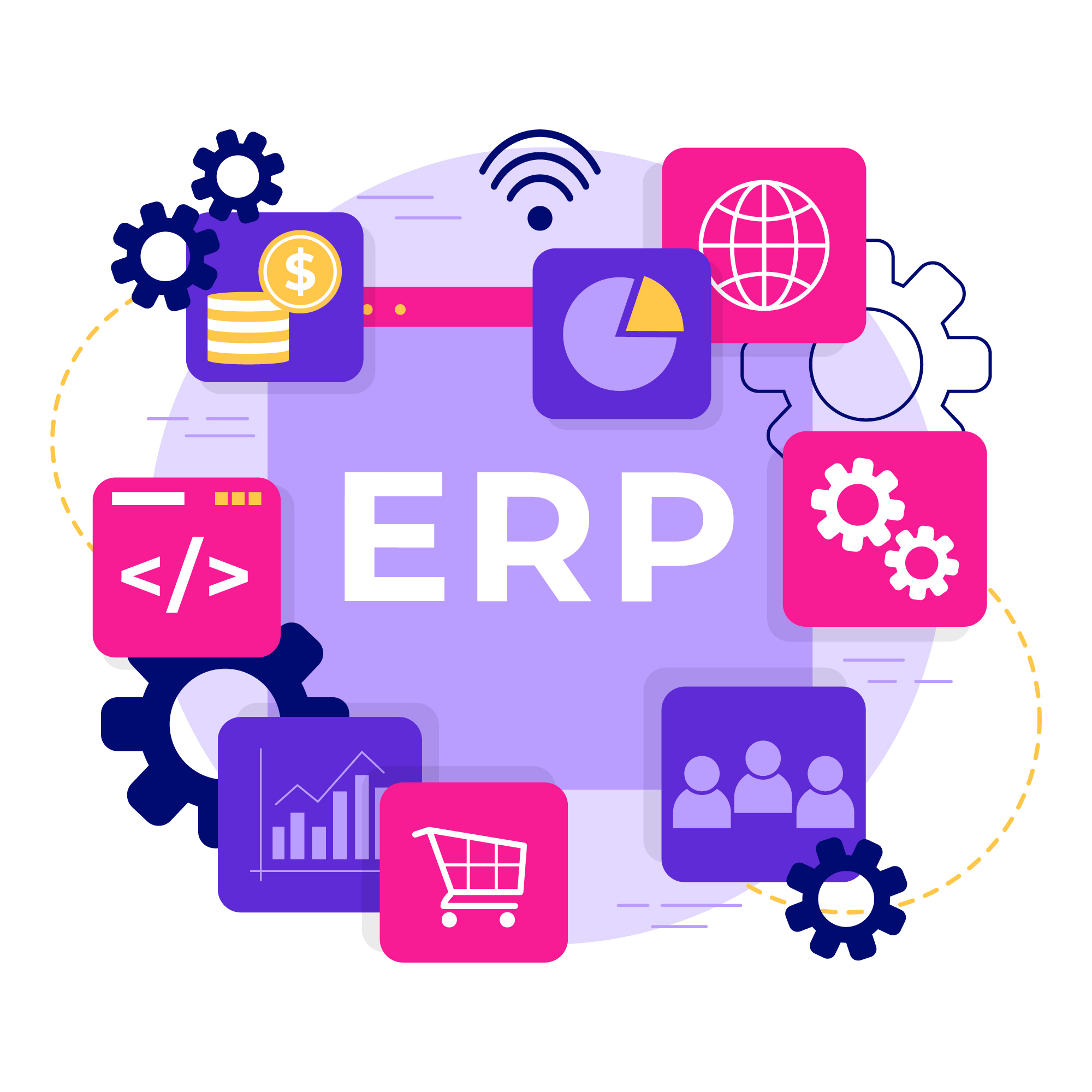
ERP (enterprise resource planning) is business management software that connects finance, purchasing, sales, inventory, production and HR in a single system built on a shared database. Data entered once, such as a customer order, automatically updates stock, invoicing and accounting. An ERP system can run on your own servers or in the cloud, and SAP, Oracle, Microsoft and Sage are among the best-known vendors.
Key takeaways
- ERP stands for enterprise resource planning: software that runs a company's core processes in one system with a single database.
- Typical ERP modules cover finance and accounting, purchasing, sales, inventory, production planning and human resources.
- The main benefits are consistent shared data, less manual re-entry and better coordination between departments.
- SAP, Oracle, Microsoft and Sage are among the best-known ERP vendors, and most new ERP projects now run in the cloud.
What is an ERP?
Definition and New Trends
ERP, or “Enterprise Resource Planning,” is software that centralizes information and operational processes from all departments of a company into a single database. The purpose of an ERP is to improve information flow, optimize work processes, and facilitate decision-making. Often confused with a CRM solution, ERP software addresses different challenges: it aims to streamline and plan a company's resources. In recent years, the widespread adoption of the cloud and progress in artificial intelligence have changed how ERPs are used. Thus, the new generation of ERPs stands out with an ergonomic user interface, improved functionalities, increased flexibility, and easier integration with other tools or software. These new ERPs are often available in SaaS (Software as a Service) mode, making them more accessible, scalable, and less costly in terms of infrastructure. Furthermore, they can benefit from rapid advancements in artificial intelligence. Far from being a mere gadget, AI allows, for example, anticipating market needs, automating certain processes, and gaining visibility into operations.
The Benefits of Using an ERP for Business Management
The benefits of implementing an ERP are numerous and impact a company's most strategic activities. They include:
Centralization of all information and its availability anywhere, anytime.
- Instead of having data scattered across different systems or departments, it is consolidated in one place. This ensures better consistency, avoids duplication, and greatly facilitates access to information for all employees. Coordination and collaboration between a company's different departments.
- Whether it's human resources, accounting, sales, or production, all these departments can work in sync, with access to up-to-date and shared information. What is an ERP for? Key Features
Once the software is (properly) deployed and your teams are (properly) onboarded, you will benefit from the tool's many features, including:
Commercial Management
An ERP is ideal for supporting commercial activities. It allows for efficient and transparent management of supplier sourcing, purchasing, inventory management, and the entire sales cycle. This centralization facilitates the tracking of product and service flows, while providing customers with a consistent omnichannel experience.
Production Management
Production management is another essential pillar of ERPs, enabling precise planning and rigorous monitoring of manufacturing, thereby ensuring that resources are optimally utilized and delivery times are met. Material requirements planning (MRP) helps companies accurately determine the resources needed to meet demand. Furthermore, integrated visualization provides an overview of the process and allows for quick identification of bottlenecks or opportunities for improvement.
PIM (product information management)
With an ERP connected to a PIM system, either built in or integrated, companies can centralize, manage, and efficiently distribute all product-related information. Whether it's detailed descriptions, technical specifications, photos, or associated documents, everything is stored in a single location, ensuring data accuracy.
CRM & Marketing
CRM, or Customer Relationship Management, when integrated into an ERP, is a powerful tool for managing all customer interactions, whether they are leads, prospects, or loyal customers. By combining it with advanced marketing features, it enables the launch of targeted campaigns, real-time performance tracking, and strategic adjustments.
How does an ERP system work?
An ERP system rests on two principles: modules for each business function (finance, purchasing, sales, inventory, production, HR) and a shared database. Information entered once is reused everywhere. Take a customer order:
- A sales rep enters the order, and the ERP checks available stock.
- If components are missing, material requirements planning (MRP) suggests a purchase order or a production order.
- Shipping the goods updates inventory.
- The invoice is issued and the accounting entry is posted automatically.
This way of working is the result of a long evolution. According to Oracle, material requirements planning first appeared in manufacturing in the 1960s, manufacturing resource planning (MRP II) followed in 1983, and by 1990 analysts had named the new category ERP. Today, SAP lists four common deployment types: cloud, on premises, hybrid and two-tier. In cloud ERP, which SAP describes as the most popular option, the vendor hosts the software and handles updates.
Popular ERP Systems on the Market
SAP
SAP is one of the global leaders in ERP. This software offers a comprehensive suite of integrated modules covering almost all aspects of business management, from finance to logistics and human resources. Thanks to its S/4HANA platform, SAP also provides real-time analytics capabilities, allowing businesses to quickly process large amounts of data.
Advantages: SAP is renowned for its robustness and reliability. It also offers broad functional coverage.
Oracle PeopleSoft
Oracle PeopleSoft is a suite of enterprise management applications that covers a wide range of functions: human resources, financial management, supply chain management... Its deployment flexibility, whether on-premise or in the cloud, has made it a long-standing choice for large organizations and the public sector. For new cloud projects, Oracle's flagship offering is Oracle Fusion Cloud ERP.
Advantages: Oracle PeopleSoft offers extensive coverage of HR and financial processes. Furthermore, its compatibility with other Oracle products provides a comprehensive and well-integrated solution.
Sage
Sage is known for its accounting solutions, but over the years, the software has evolved to offer a full range of ERP solutions tailored for SMEs. Its modules cover areas such as accounting, finance, human resource management, and production.
Advantages: Primarily designed for small and medium-sized enterprises, Sage is known for its ease of use, flexibility, and affordability. It offers seamless integration with other Sage products.
Our solution K-NOW , a Digital Adoption Platform (DAP), guides your teams through the adoption of your ERP solution. Tutorials, training... it provides everything for easy setup and seamless updates, including features like onboarding, feedback, intelligent guidance, etc.
ERP system examples: how companies use an ERP
An ERP looks different depending on the business it runs:
- A manufacturer uses bills of materials, MRP and production orders to plan the shop floor, then tracks actual costs per order.
- A distributor relies on purchasing, multi-warehouse inventory and order management to keep stock levels low without missing deliveries.
- A services firm uses projects, timesheets, billing and HR to measure the profitability of each engagement.
Beyond SAP, Oracle and Sage, widely used ERP systems include Microsoft Dynamics 365, Oracle NetSuite, Infor, Epicor and the open-source Odoo. Large groups usually choose SAP S/4HANA or Oracle Fusion Cloud ERP, while small and mid-sized companies often turn to NetSuite, Dynamics 365 Business Central, Sage or Odoo. If you still run SAP ECC, plan ahead: mainstream maintenance ends in 2027, with extended support available until 2030 at a premium, as The Register reports.
For a side-by-side comparison, see our top 5 ERP software solutions, then use our guide on how to choose an ERP to build your shortlist from real business scenarios.
Frequently asked questions
What does ERP stand for?
ERP stands for enterprise resource planning. The term describes software that integrates a company's core processes, such as accounting, purchasing, inventory, production, sales and HR, in one system with a common database. The name comes from manufacturing planning methods (MRP and MRP II), which were extended in the 1990s to cover every business function.
Is Excel an ERP tool?
No. Excel is a spreadsheet, not an ERP. Many small companies manage inventory, orders or budgets in spreadsheets, but each file stands alone: there is no shared database, no automatic link between a sale, stock and accounting, and limited control over who changes what. An ERP replaces these disconnected files with integrated, traceable processes.
Is Microsoft 365 an ERP?
No. Microsoft 365 is a productivity suite (Word, Excel, Outlook, Teams). Microsoft's ERP offering is Dynamics 365, with Business Central for small and mid-sized companies and Finance and Supply Chain Management for larger organizations. The two connect, so users can, for example, work with ERP data in Excel or Teams.
What is the difference between MRP and ERP?
MRP (material requirements planning) calculates the components and materials needed to meet orders, based on bills of materials and stock. MRP II extended this to production resources such as machines and labor. An ERP goes further by integrating every business function, including finance, purchasing and HR. MRP remains a core module of manufacturing ERP systems.
How much does an ERP system cost?
The cost of an ERP system depends on the number of users, the modules, the deployment model and the scope of the project. Cloud ERP is billed as a subscription, usually per user per month; on-premises ERP requires a license plus annual maintenance. Integration, data migration, interfaces and training often account for a large share of the total budget.