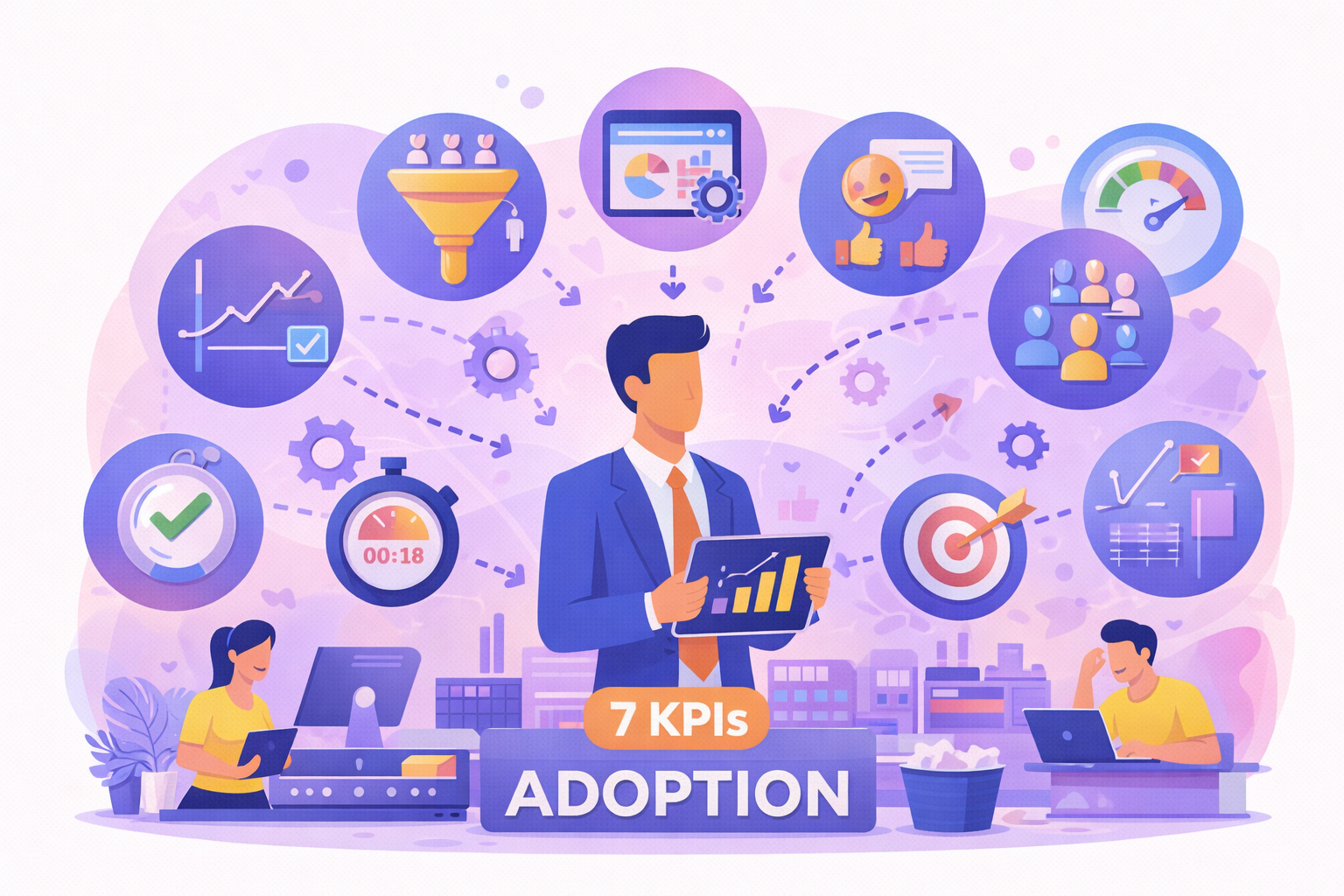
To measure software adoption in your company, track seven adoption metrics: active user rate, frequency of use, key feature usage, task completion time, process completion rate, support requests and user satisfaction. Read together, these KPIs show whether a tool is really used, and used well, so you can target training, in-app guidance or process fixes where adoption stalls.
Key takeaways
- An adoption metric measures how much, and how well, people actually use a piece of software, not just whether it was deployed on time.
- Seven KPIs cover the essentials: active users, frequency, key features, time per task, process completion, support tickets and satisfaction.
- Usage data should be combined with user perception (surveys, NPS) and expressed per user rather than as raw totals.
- A KPI is only useful if it triggers an action: targeted training, in-app guidance or a simpler process.
Why track software adoption metrics?
When a new application is rolled out, several questions quickly arise — and software adoption metrics are the key to answering them:
- Are employees actually using the tool?
- Are the key features being used?
- Was the training effective?
- Is the user experience satisfactory?
Without reliable data, these questions are difficult to answer.
Measuring adoption allows you, in particular, to:
- identify barriers to use
- optimize training initiatives
- reduce support requests
- improve the user experience
- maximize the ROI of digital investments
Adoption analytics solutions provide a clear, objective view of these indicators.
1- Active user rate
The first indicator to track is the active user rate.
It measures the proportion of users who actually use the software over a given period (daily, weekly or monthly).
Formula: Active users / Registered users
This indicator answers a simple question: is the software actually being used?
A low activity rate may indicate:
- a lack of training
- poor communication
- an interface that is difficult to use
- resistance to change
It is often the first warning sign of an adoption problem.
2- Frequency of use
Beyond the number of active users, it is important to analyze how often the software is used.
Some users log in regularly, while others only use the tool occasionally.
Analyzing this frequency helps you understand:
- whether the tool is embedded in day-to-day practices
- which profiles use the application the most
- which job roles are experiencing difficulties
For example, a CRM platform should ideally be used every day by sales teams.
3- Key feature usage rate
Software often comes with a wide range of features. Yet some are more strategic than others.
Measuring the adoption of these features is essential.
Take the example of an ERP or an HRIS:
- creating orders
- approving workflows
- managing customer data
- tracking indicators
If users do not use these features, the company does not truly benefit from the expected gains.
This analysis helps identify needs for user guidance or additional training.
A digital adoption platform can, for example, offer interactive guides directly within the application to support users.
4- Task completion time
Another important KPI is the time needed to complete a task in the software.
This indicator measures:
- how well users have mastered the tool
- how simple the processes are
- how effective the interface is
If a task takes longer than expected, this may reveal:
- a lack of training
- complex navigation
- unnecessary steps in the process
Tracking this indicator helps identify friction points in the digital experience.
5- Process completion rate
In many business tools, users have to follow specific processes:
- approving requests
- creating files
- managing tickets
- processing orders
The completion rate measures how many of these processes are actually completed in the application.
A low rate may reveal:
- a poor understanding of the steps
- an overly complex process
- a lack of support
To improve this indicator, some companies use immersive training simulators, which allow employees to practice in a simulated environment before using the live application.
6- Number of support requests
The number of tickets or requests sent to support is an excellent indirect indicator of software adoption.
An increase in requests may indicate:
- difficulties in using the software
- poorly understood features
- insufficient training
Conversely, a gradual decrease in requests shows that users are becoming more autonomous.
Companies can reduce these requests by introducing:
- contextual guides
- built-in tutorials
- interactive learning paths
7- User satisfaction score
Finally, it is essential to measure how users perceive the software.
Software can be used without being liked. And a poor user experience can hold back adoption in the long term.
The satisfaction score can be measured through:
- internal surveys
- an NPS score
- in-app feedback
This qualitative data helps you understand:
- what works well
- what needs to be improved
- what users expect
Which adoption metrics should you track at each stage of the rollout?
The seven KPIs do not carry the same weight at every stage. Matching your dashboard to the software lifecycle keeps you from drawing conclusions too early.
- Around go-live: account activation, training attendance, first active users. The goal is to check that everyone has access to the tool and can log in.
- During hypercare (the first weeks after go-live): volume and type of tickets, completion rate of critical processes, recurring blocking points. This is when bad habits either set in or get corrected.
- In steady state: frequency of use, use of advanced features, task completion time, satisfaction. You are now measuring proficiency and efficiency, not just usage.
- With every new release: adoption of new features and changes in ticket volume, to spot usage regressions.
For each KPI, set a baseline measured at launch, a target and a review frequency. A target only makes sense compared with your own starting point, not with a generic average. If you still need to choose the tool that will produce these measurements, our criteria for choosing a digital adoption solution list the points to check.
How to use these software adoption KPIs to improve adoption
Measuring indicators is a first step. The goal is then to act on the results.
The highest-performing organizations take a continuous approach:
- analyze usage data
- identify friction points
- implement corrective actions
- measure the impact of those actions
Adoption analytics platforms make it possible to centralize this data and steer digital transformation objectively.
With a solution such as K-VALUE, teams can, for example:
- analyze adoption by job role or region
- measure the impact of training initiatives
- track changes in engagement over time
- identify applications that need additional support
How do you build an adoption metrics dashboard?
To avoid piling up metrics nobody uses, start from objectives rather than from the data you happen to have. Google researchers describe a process for mapping product goals to metrics, alongside their HEART framework: define what the tool should enable, identify the behaviors that show the goal is met, and only then turn them into metrics.
| KPI | Formula or measure | Data source |
|---|---|---|
| Active user rate | Active users over the period / users with access | Login logs, usage analytics |
| Frequency of use | Average sessions per user per week | Usage analytics |
| Key feature usage | Users who completed the key action / active users | Usage analytics |
| Task completion time | Median time for a standard task, from start to validation | Usage analytics, user testing |
| Process completion rate | Processes completed / processes started | Application business data |
| Support requests | Tool-related tickets per 100 active users | Ticketing tool (ITSM) |
| User satisfaction | NPS or survey score | In-app surveys, internal surveys |
Express volumes per user (ratios, averages per user): a raw total rises mechanically with the number of accounts. Then segment by job role, site or profile to target action where adoption falls behind. For the method behind these figures, see how to measure digital adoption.
Software adoption: a key driver of digital performance
The success of a digital project does not depend solely on the technology chosen.
Above all, it depends on user buy-in.
By tracking relevant KPIs such as usage rate, engagement and process completion, companies can:
- improve the employee experience
- speed up getting to grips with tools
- optimize productivity
- maximize the ROI of their digital investments
At a time when organizations are using more and more applications, measuring and managing adoption is becoming essential.
To find out more, discover how Knowmore solutions can help you support, train and measure the adoption of your business tools through a comprehensive approach combining user guidance, immersive training and adoption analytics.
Frequently asked questions
What is an adoption metric?
An adoption metric is a measurement that shows how far, and how effectively, users actually use a piece of software after it has been deployed. Unlike project metrics (budget, deadlines, uptime), adoption metrics track behavior: active users, feature usage, task success, support requests and satisfaction. A tool can be delivered on time and still be barely used; adoption metrics reveal that gap.
What is the difference between adoption metrics and engagement metrics?
Adoption metrics show whether users have started using a tool or feature and made it part of their work: activation, active user rate, key feature usage. Engagement metrics show how intensively they use it once adopted: frequency, session depth, number of actions. Adoption comes first; engagement tells you whether that use is sustained and deep enough to deliver the expected value.
How do you calculate NPS for internal software?
Net Promoter Score uses one question: "How likely are you to recommend this tool to a colleague?", rated 0 to 10. Following the method described by Bain & Company, subtract the percentage of detractors (0–6) from the percentage of promoters (9–10). For internal software, add an open question about the main pain points so the score leads to action.
What is the difference between adoption KPIs and software ROI?
Adoption KPIs describe usage: who uses the tool, how often and how efficiently. ROI turns that usage into financial value by comparing the gains (time saved, tickets avoided, fewer errors) with the total cost of the project. Adoption metrics are therefore a prerequisite: without measured usage, gains remain theoretical. See our guide to digital transformation ROI.
Which tools can track software adoption metrics?
Several sources complement each other: the application's native reports (logins, licenses), the support ticketing tool, internal surveys and adoption analytics solutions that follow user journeys across several applications without custom development. The key is to consolidate these data in a single dashboard, segmented by job role, site or profile, so you can compare populations and prioritize actions.