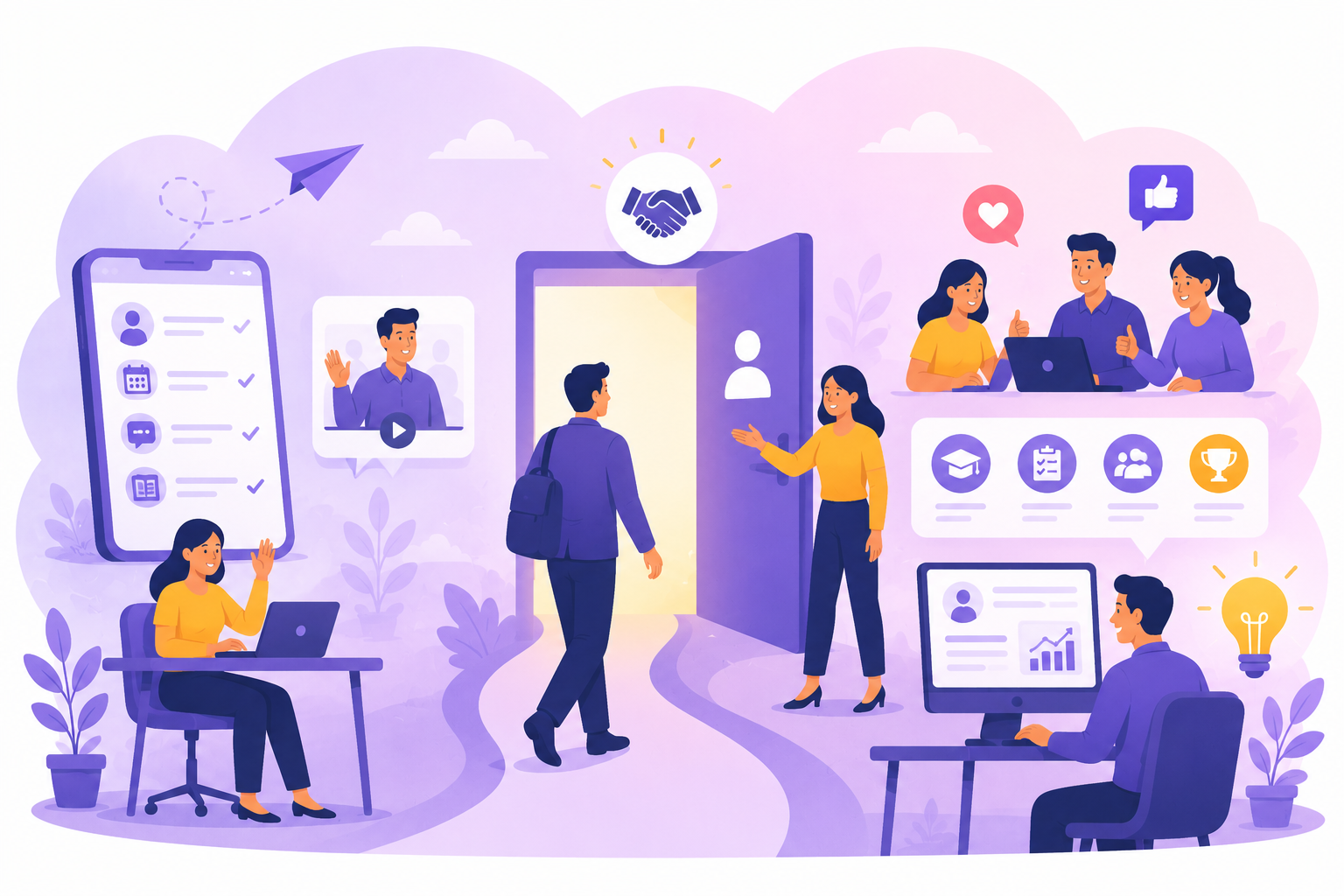
Digital employee onboarding uses digital tools and practices to support a new hire from the preparation of their arrival to full autonomy. It covers two areas: HR integration (paperwork, welcome, culture) and learning the business applications used every day. The second area is often less prepared, yet it largely determines whether a new employee feels engaged from day one.
Key takeaways
- Digital employee onboarding supports new hires with digital tools, from preparing their arrival to reaching autonomy.
- It combines HR integration (welcome, paperwork, culture) with learning the business applications the role requires.
- Day one is prepared in advance: accounts, access, equipment and guided journeys must be ready before the employee arrives.
- In-app guidance, simulation and adoption metrics speed up autonomy without overloading the first days.
As companies accelerate their digital transformation, employees must quickly master an increasing number of business applications: ERPs, CRMs, HRIS, collaborative tools, and specialized software. Without proper support, this complexity can lead to frustration, wasted time, and disengagement.
Digital onboarding addresses this challenge directly. By combining contextual guidance, immersive training, and adoption tracking, it transforms those first few days into a driver of engagement and performance.
Why is the first day so important?
The first day marks the beginning of the employee experience. It is during this period that the new hire discovers their environment, their tools, and the company's specific processes.
Successful onboarding helps to:
- quickly build a sense of belonging;
- reduce the stress associated with learning new tools;
- accelerate skill development;
- foster autonomy;
- improve talent retention.
Conversely, a poorly prepared integration process can hinder productivity for several weeks and increase the burden on support teams and managers.
Digital onboarding vs. traditional HR onboarding: what’s the difference?
HR onboarding integrates an employee into the company: paperwork, welcome by the team, understanding of the role and culture. Digital employee onboarding extends it with two complementary layers:
- Digitizing the onboarding journey: e-signatures, an online welcome pack, checklists shared between HR, managers and IT, often managed in the HRIS or a dedicated onboarding tool.
- Learning the tools: getting to grips with the ERP, CRM, HRIS or collaborative apps specific to the role. This is the scope of software onboarding.
The first layer is well equipped today. The second is often limited to a training session and documentation, even though it drives productivity in the first weeks. The stakes are real: according to Gallup, only 12% of U.S. employees say their company does a good job of onboarding, and new employees typically take around 12 months to reach their peak performance potential. For the HR side, see our guide to the new employee onboarding process.
The limitations of traditional onboarding
Traditional methods are now showing their limitations.
New hires are often bombarded with a massive amount of information upon arrival: documentation, procedures, video training sessions, or PowerPoint presentations. Much of this content is forgotten just a few days later.
The most common difficulties include:
- cognitive overload during the first few days;
- training that is too far removed from real-world situations;
- materials that quickly become obsolete;
- a lack of support when the user actually needs it.
The result: employees waste time searching for information, make more mistakes, and frequently reach out to IT support or their colleagues.
Digital onboarding: a new user-centric approach
Digital onboarding is not just about digitizing training. It aims to support every employee directly within their work environment.
With a Digital Adoption Platform (DAP), users receive contextual help at the exact moment they are using an application.
This approach offers several advantages:
- interactive guides integrated directly into software;
- assistance available at any time;
- progressive learning tailored to each user's skill level;
- better retention through hands-on practice.
Employees learn by performing their daily tasks rather than by memorizing theoretical documentation.
Focusing on “learning in the flow of work”
New training practices prioritize Learning in the Flow of Work, which means learning that is integrated directly into daily activities.
Instead of interrupting work to attend training, employees receive the right information at the right time.
A platform like K-NOW, Knowmore's digital adoption platform, allows you to offer:
- step-by-step guided tours;
- contextual help bubbles;
- automated reminders;
- targeted notifications for application updates.
This support reduces the time required to master a new tool while improving the user experience.
Discover K-NOW
Risk-free training through simulations
Some business applications require complex operations or carry risks if errors occur.
This is particularly true for ERPs, CRMs, financial software, or industrial applications.
Simulated environments allow new employees to practice under realistic conditions without impacting production data.
With K-STUDIO, companies create interactive simulations that faithfully replicate their business applications.
The benefits are numerous:
- learning by doing;
- reduced stress during initial use;
- improved user confidence;
- fewer operational errors.
This immersive approach accelerates the skill-building process.
Measuring engagement to improve onboarding
Effective onboarding must be driven by objective metrics.
HR managers and transformation teams need to know:
- which paths are actually being used;
- which features remain unknown;
- where difficulties arise;
- how much time is needed to reach autonomy.
Analytics tools help identify friction points in order to continuously improve integration paths.
With K-VALUE, companies have access to adoption, engagement, and performance metrics that allow them to measure the impact of training and support initiatives.
Discover K-VALUE
Artificial intelligence enhances the onboarding experience
The rise of generative AI opens up new possibilities for digital onboarding.
Employees can now access the right information more easily thanks to:
- conversational assistants;
- personalized recommendations;
- intelligent knowledge base search;
- journeys tailored to each user's profile.
When combined with a Digital Employee Experience (DEX) strategy, AI helps streamline onboarding without replacing human support.
The goal remains to provide relevant assistance exactly when it adds the most value.
Best practices for successful digital onboarding
Top-performing companies share several key characteristics.
First, they design simple, progressive journeys tailored to each employee's role. They also prioritize hands-on learning over top-down training.
Support is integrated directly into the applications used daily, which minimizes disruptions in the user journey.
Finally, they regularly measure adoption metrics to continuously improve the experience provided.
This approach not only helps strengthen employee engagement but also improves the organization's overall performance.
Day-one digital onboarding checklist
A successful first day is decided before the employee arrives. Check these points step by step:
- Before arrival: accounts and permissions created in every application, workstation configured, credentials sent securely, guided journeys set up for the role.
- Day one: assisted first login, introduction to the two or three applications the role cannot do without, one real task completed with guidance, a named contact for questions.
- First week: practice on a simulator for sensitive operations, in-app help available, check-in with the manager on any difficulties.
- First month: gradual discovery of advanced features, autonomy checked on key processes, feedback collected from the new hire.
- Beyond: adoption metrics tracked, journeys updated whenever applications change, lessons applied to the next hires.
This progression limits information overload: new hires don’t learn everything at once, they learn what they need when they need it. It requires close coordination between HR, managers and IT, working from the same checklist. To choose the right format for each step, compare the main software training methods.
Digital onboarding: a strategic investment
Today, onboarding goes far beyond the initial welcome phase for new hires. It is a strategic lever for accelerating the adoption of digital tools, strengthening engagement, and sustainably improving the Digital Employee Experience.
By combining contextual guidance, immersive training, and adoption measurement, companies reduce time-to-competency while offering a smoother experience for their employees.
In a context where digital transformations are accelerating and applications are constantly evolving, investing in effective digital onboarding is no longer just a competitive advantage: it is an essential requirement for ensuring the long-term adoption of business tools, improving digital well-being, and maximizing the return on investment for transformation projects.
Knowmore supports organizations in this process through a complete ecosystem consisting of K-NOW for contextual guidance, K-STUDIO for immersive training, and K-VALUE to measure results and continuously optimize the user experience.
Frequently asked questions
What is digital onboarding?
Digital onboarding means bringing someone on board through online tools rather than paper and in-person steps. The term has two uses: in banking and financial services it refers to opening a customer account remotely, including identity checks; in HR it refers to digital employee onboarding, which prepares a new hire’s arrival, digitizes paperwork and guides them through the applications they will use.
What are the 4 C’s of onboarding?
The four C’s model, proposed by Talya Bauer for the SHRM Foundation, describes four levels: Compliance (legal and policy rules), Clarification (understanding the job and expectations), Culture (organizational norms) and Connection (relationships and information networks). Digital employee onboarding should cover all four; learning the tools of the role falls directly under Clarification.
How long does digital employee onboarding take?
The welcome itself lasts a few days, but onboarding continues much longer: according to Gallup, new employees typically take around 12 months to reach peak performance potential. On the tools side, aim for new hires to complete their key tasks independently within a few weeks, then support more advanced use gradually as they progress.
Which tools do you need for digital employee onboarding?
Digital employee onboarding usually combines several building blocks: an HRIS or onboarding module for paperwork and checklists, an LMS or e-learning modules for training content, a simulator to practice on business applications, and a digital adoption platform to guide the new hire directly inside their everyday tools.
How do you onboard remote employees digitally?
For remote employee onboarding, preparation becomes decisive: equipment delivered and configured before day one, access tested, schedule for the first days shared in advance. Plan regular video check-ins with the manager and a buddy, real tasks from day one, and help available inside the applications so a remote hire never stays blocked because no colleague is nearby.
Sources
- Gallup (Emily Wetherell and Bailey Nelson), "8 Practical Tips for Leaders for a Better Onboarding Process", August 12, 2021
- Talya N. Bauer, "Onboarding New Employees: Maximizing Success", SHRM Foundation Effective Practice Guidelines, 2010 (copy hosted by the University of Georgia)
- Josh Bersin, "A New Paradigm for Corporate Training: Learning in the Flow of Work", June 2018
- Jaap M. J. Murre and Joeri Dros, "Replication and Analysis of Ebbinghaus' Forgetting Curve", PLOS ONE, July 6, 2015