An enterprise LMS (learning management system) is a software platform that large organizations use to create, deliver, administer and track employee training at scale. It excels at learning paths, compliance and reporting, but its courses often remain far from the business software employees use every day. SCORM software simulations launched from the LMS add hands-on practice without changing platforms.
Key takeaways
- An enterprise LMS creates, delivers, administers and tracks training for thousands of learners across sites, languages and roles.
- Its strengths are standardized learning paths, large-scale deployment, skills tracking and reporting.
- Its limit is pedagogical: courses are often disconnected from the real screens and tasks of business applications.
- Software simulations packaged in SCORM run inside the LMS and add realistic practice while keeping the same tracking.
A strategic pillar of modern training
In a professional context marked by hybrid work, the acceleration of digital transformations, and the rapid evolution of job roles, continuous upskilling has become a strategic imperative. It is in this context that the LMS (Learning Management Systems) have established themselves as leading solutions. These platforms structure, centralize, and disseminate digital training in a fluid, traceable, and scalable manner.
Adopted by large corporations, public organizations, and SMEs alike, LMS platforms make a variety of learning paths accessible, often available anytime and on any device. They meet large-scale deployment needs, while facilitating the administrative management of training: registrations, progress tracking, validation of achievements, HR reporting…
Enterprise LMS: core features and related tools
According to Cornerstone, a learning management system is a software platform that organizations use to create, deliver, manage and track learning. An enterprise LMS adds the scale and integrations large organizations need. Its core features are:
- Administration: enrollments, learner groups, assignment of learning paths by role, reminders.
- Content delivery: e-learning modules, videos, quizzes and virtual classes, usually in the SCORM standard.
- Tracking and reporting: progress, completion rates, scores, certifications and compliance reports.
- Integrations: single sign-on and synchronization with the HRIS to keep learner populations up to date.
The LMS is often confused with two neighboring tools:
| Tool | Main role |
|---|---|
| LMS (learning management system) | Deliver and track training; suited to mandatory paths and compliance |
| LCMS (learning content management system) | Create and manage reusable learning content |
| LXP (learning experience platform) | Personalize the learner's journey and recommend content |
Whatever the platform, it remains a delivery tool: the quality of learning depends on the content you put in it.
The added value of LMS for organizations
The benefits of LMS are numerous. Operationally, they allow for standardizing learning paths, ensuring pedagogical consistency regardless of location or language. Economically, they offer significant time and cost savings, by reducing the need for in-person training, logistics, or trainers.
But it is primarily on a strategic level that LMS truly demonstrate their value. By centralizing training data, they provide HR and training managers with a comprehensive view of internal competencies, identifying skill gaps, proficiency levels, or required certifications. They thus become a human capital management tool, directly linked to performance and transformation challenges.
A natural limitation: the gap between content and business context
Despite all their advantages, LMSs sometimes encounter a non-technical, but pedagogical limitation: they disseminate content that, while rich and well-organized, often remains disconnected from real work situations. Users learn away from their daily tools, in a theoretical, even static environment.
This disconnect between learning and application can affect memorization, engagement, and above all, the effectiveness of training. An employee might complete a module and pass a quiz, but still feel uncomfortable with the relevant business tool once back in their work environment. The LMS has done its job perfectly… but it sometimes lacks business immersion that allows for the transition from knowledge to operational skill.
Immersive learning: a new performance driver for LMSs
To address this challenge, a pedagogical evolution is essential: that ofexperiential learning, meaning learning based on practice, simulation, and faithful reproduction of the business environment. In other words, it's no longer enough to train; it's necessary to provide an experience.
And that's precisely where K-STUDIO, the interactive simulation solution developed by Knowmore, integrates seamlessly as a complement to LMS platforms.
K-STUDIO: Simulate business applications directly from the LMS
K-STUDIO is a no-code e-learning authoring tool that allows for the creation of interactive training modules that identically simulate the applications used by employees. These are faithful reproductions of business interfaces (ERP, CRM, HRIS, internal tools, etc.), where users can navigate, test, click, and execute processes as if in real life.
These modules are exportable in SCORM format, making them compatible with the vast majority of LMS platforms, which support this standard. They can thus be integrated into existing learning paths, with the same tracking, reporting, and certification capabilities.
However, the experience they offer is radically different: the learner no longer just reads an instruction; they implement it. They no longer observe a process; they experience it. They no longer just memorize; they experiment. This shift in pedagogical approach encourages stronger engagement, better knowledge retention, and accelerated mastery of tools.
How to choose an enterprise LMS for business software training
Training employees on an ERP, a CRM or an HRIS places specific demands on your LMS. Before you select or upgrade a platform, check five criteria:
- Standards support: SCORM 1.2 and SCORM 2004 (the latest edition dates from 2009, according to the ADL Initiative), and ideally xAPI, so interactive simulations can run and report results.
- Integration with your information system: single sign-on, HRIS synchronization and automatic assignment of learning paths by role.
- Actionable tracking: detailed results per exercise, not just completion, to spot the steps learners struggle with.
- International rollout: multilingual content and multi-site populations.
- Learner experience: mobile access, accessibility and simple navigation.
One more point matters as much as the platform: connecting training to real usage. A module completed in the LMS does not prove that the employee uses the application correctly in production. Comparing training results with software adoption KPIs shows whether the program works and where to add support.
Seamless integration into existing training ecosystems
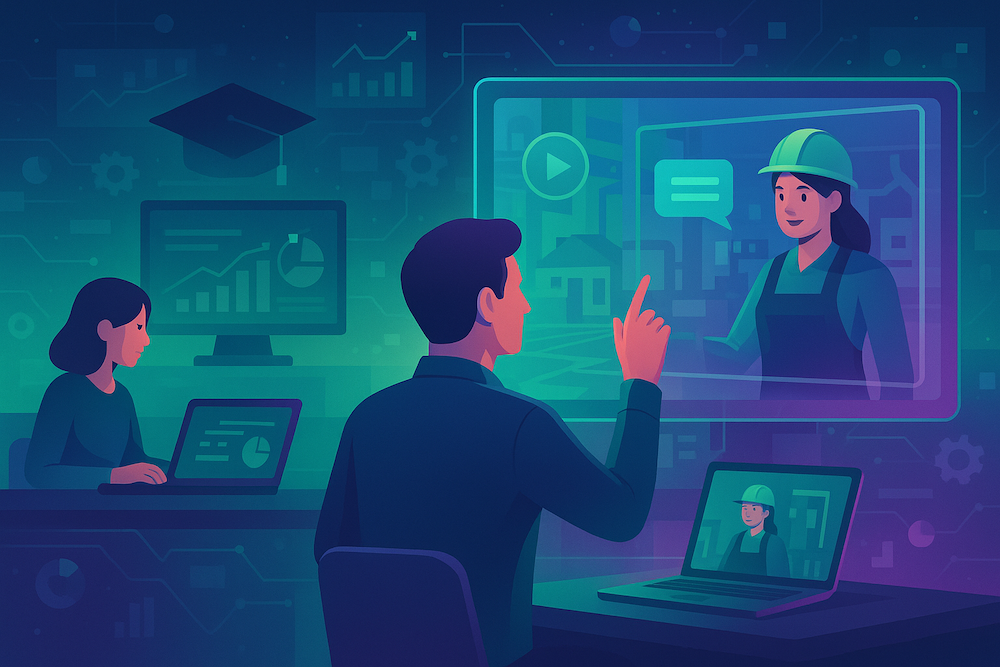
Thanks to its SCORM format, K-STUDIO does not require changes to your architecture or platform. Training teams can continue to use their LMS as a single point of access, while enriching their learning paths with high-value K-STUDIO educational modules.
This offers a consistent learner experience, where traditional content (texts, videos, quizzes) coexists with immersive simulators, within the same portal. Employees thus benefit from the richness of the LMS platform, coupled with the power of a custom business simulator.
Integration is also seamless for the user, who can launch a K-STUDIO module from their usual LMS, without needing to log in again or change environments.
A strategic driver for boosting digital tool adoption
Beyond training, K-STUDIO addresses a key challenge: business tool adoption. By accurately replicating the work environment, it allows employees to practice, understand functional logic, and develop automatic responses.
This helps reduce the need for support, production errors, and usage roadblocks. Users approach their tools with greater confidence, because they have already performed the expected tasks in a simulated environment. This hands-on skill development is one of the best drivers for digital adoption.
Towards more engaging, practical, and effective training
By combining an LMS with K-STUDIO, companies gain a complete, structured, and high-performing system. The LMS retains its role in overall management, structuring learning paths, and tracking learners. K-STUDIO adds an experiential, job-specific, and operational dimension that was sometimes lacking in traditional e-learning courses.
This complementarity enables:
- improved learner engagement,
- accelerated upskilling on digital tools,
- strengthened user autonomy and confidence,
- and more reliable adoption of new processes or applications.
Conclusion: Evolving LMSs towards user experience
LMSs will remain pillars of digital learning. But for them to continue meeting the transformation demands of businesses, they must open up to more interactive, immersive, and job-specific content. With K-STUDIO, Knowmore offers a natural and powerful extension of these platforms, to create a complete training experience: structured, contextualized, and adoption-oriented.
Companies that combine the robustness of their LMS with the immersive power of K-STUDIO empower themselves to accelerate their digital transition… and make it a sustainable, measurable success that engages employees.
Frequently asked questions
What is the difference between an LMS and an enterprise LMS?
An enterprise LMS is a learning management system built for large organizations. Beyond the basic LMS functions (course delivery, enrollment, tracking), it handles thousands of learners across countries and entities, role-based learning paths, compliance reporting, single sign-on and integrations with the HRIS and other business systems. A basic LMS suits smaller teams with simpler training needs.
Is an LMS an ERP?
No. An LMS manages training: it delivers courses, enrolls learners and tracks completion and results. An ERP manages core business processes such as finance, purchasing, inventory and production. The two are often connected, and an LMS is frequently used to train employees on the ERP itself, which is where software simulations of ERP screens are most useful.
What is a SCORM package?
A SCORM package is an e-learning module packaged according to the SCORM (Sharable Content Object Reference Model) standard, created by the Advanced Distributed Learning (ADL) Initiative. Delivered as a ZIP file, it can be imported into any compatible LMS and reports the learner's progress, completion status and score back to the platform.
What is the difference between a software simulation and a training environment?
A training environment, or sandbox, is a technical copy of the application that must be installed, loaded with data and maintained. A software simulation reproduces the application's screens and workflows in a standalone module, with no connection to the live system. It runs inside the LMS, is easier to update and guides the learner step by step.
How do you measure the effectiveness of LMS training?
LMS indicators such as completion rates, scores and time spent measure the training, not its effect. To evaluate effectiveness, add usage data from the application: key feature usage, data entry errors and support requests before and after training. Our article on how to measure digital adoption details this approach.